 Transparent artwork
THE DIGITRUST BRAND COLLECTION
Make your
mark.
Your DigiTrust webkit. Everything you need to bring the brand to life, from crisp vector logos to ready-to-use marketing graphics.
01 / THE SIGNATURE
Logos that scale.
The D symbol and the full logo, with DIGI in bold and our strapline beneath. All lettering is outlined in the vector files.
Transparent artwork Transparent artwork
 Transparent artwork
 light background previewdark background preview
Full logo / grey lettering
Vector EPS & SVG · PNG 6,000 × 1,468
Coloured D symbol with #808080FF grey company name and strapline. All PNG and SVG downloads are transparent; the preview backgrounds are not included.
For your email signature, choose Email PNG (1,200 px wide) and display it at around 400 px wide. Keep its proportions and check a test email in light and dark mode.
Flat-colour CMYK EPSSVG and PNG logos are transparent. EPS files contain no painted background; a preview may still show a white page. Choose the flat-colour EPS if your print supplier does not accept gradients.
Monochrome essentials
Pure black and white for single-colour print and reversed use.
 Transparent artwork
 Transparent artwork
 Transparent artwork
 Transparent artwork
02 / TYPE & COLOUR
A shared language.
DM Sans throughout. Confident, clear and consistent with the website.
DM SANS
DIGITRUST
Technology & delivery with purpose
DIGI: Bold 700 · TRUST & strapline: Regular 400Regular 400TTF Medium 500TTF SemiBold 600TTF Bold 700TTF
Includes the SIL Open Font License and installation notes.
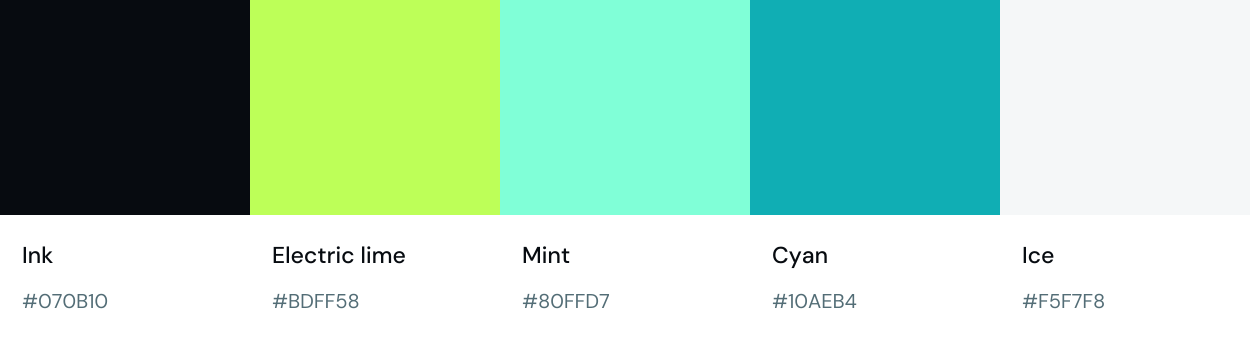
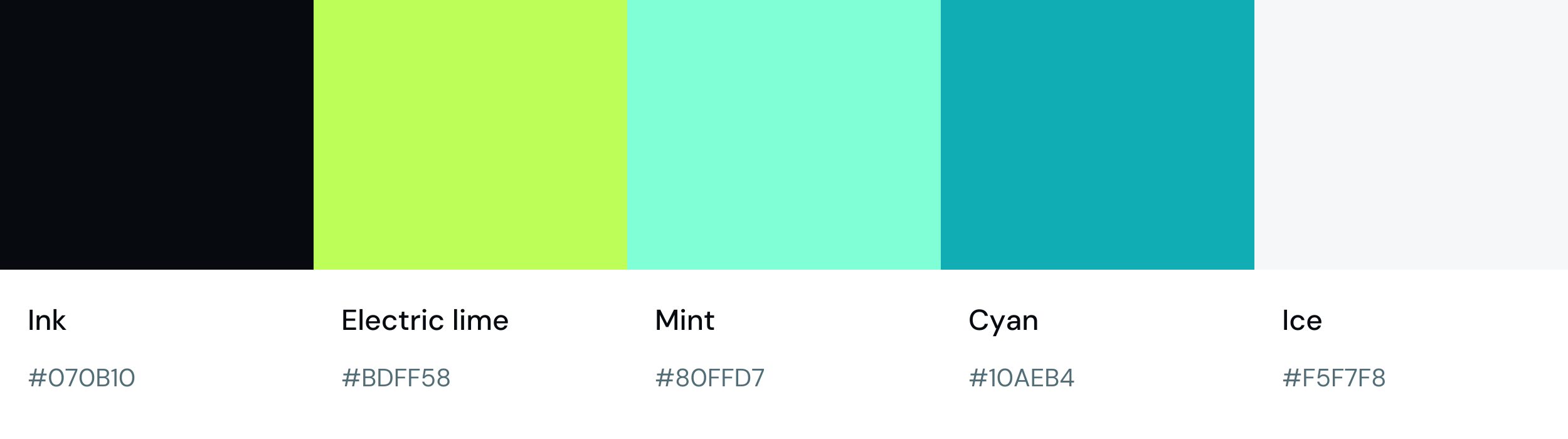
Ink
#070B10Electric lime
#BDFF58Mint
#80FFD7Cyan
#10AEB4Ice
#F5F7F803 / SMALL BUT DISTINCTIVE
Every pixel counts.
The DigiTrust favicon, ready for browser tabs, shortcuts and app icons.













04 / PUT IT OUT THERE
Ready to make an impression.
Branded graphics for social posts, presentations, cover images and email signatures. Vector SVG masters and high-resolution PNGs.


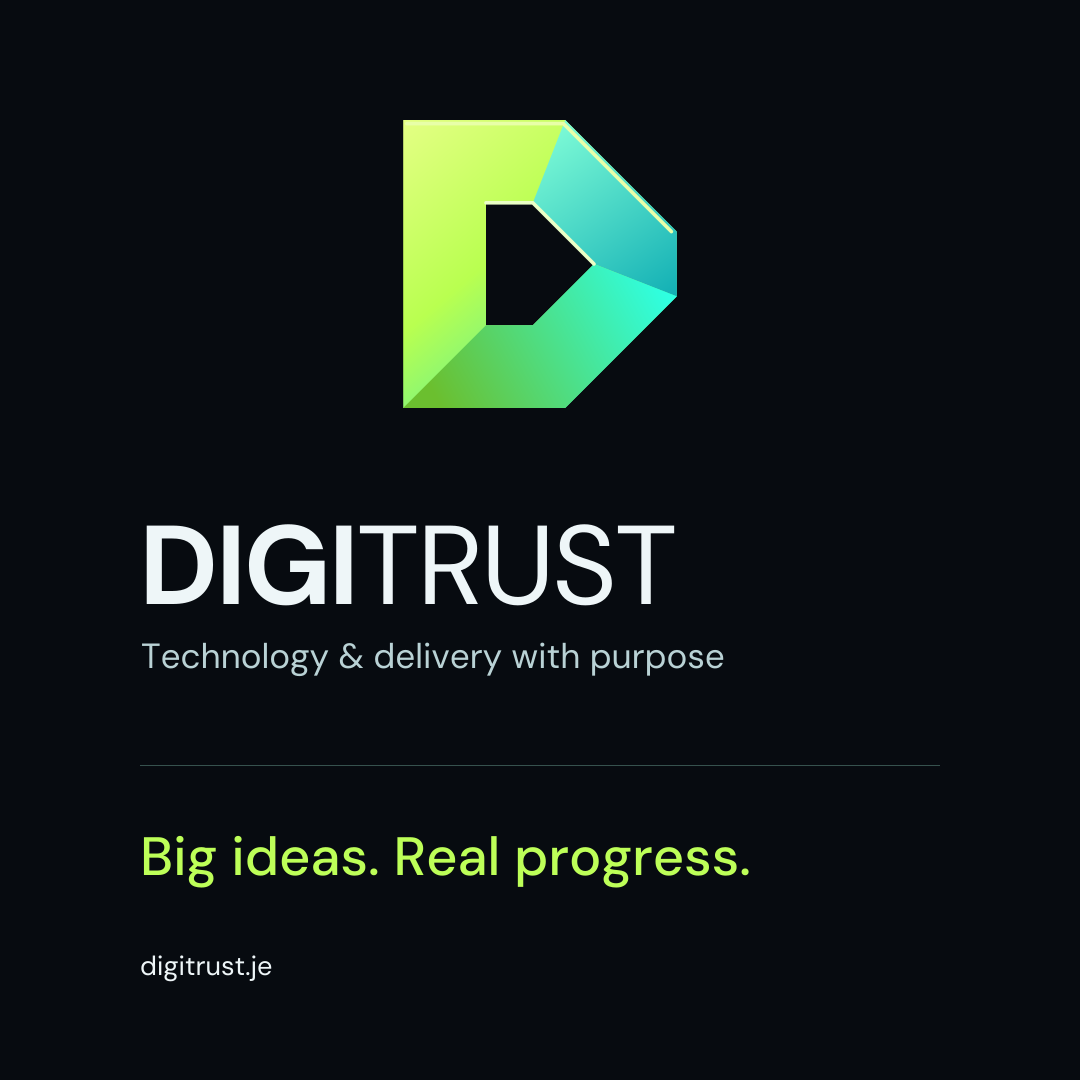
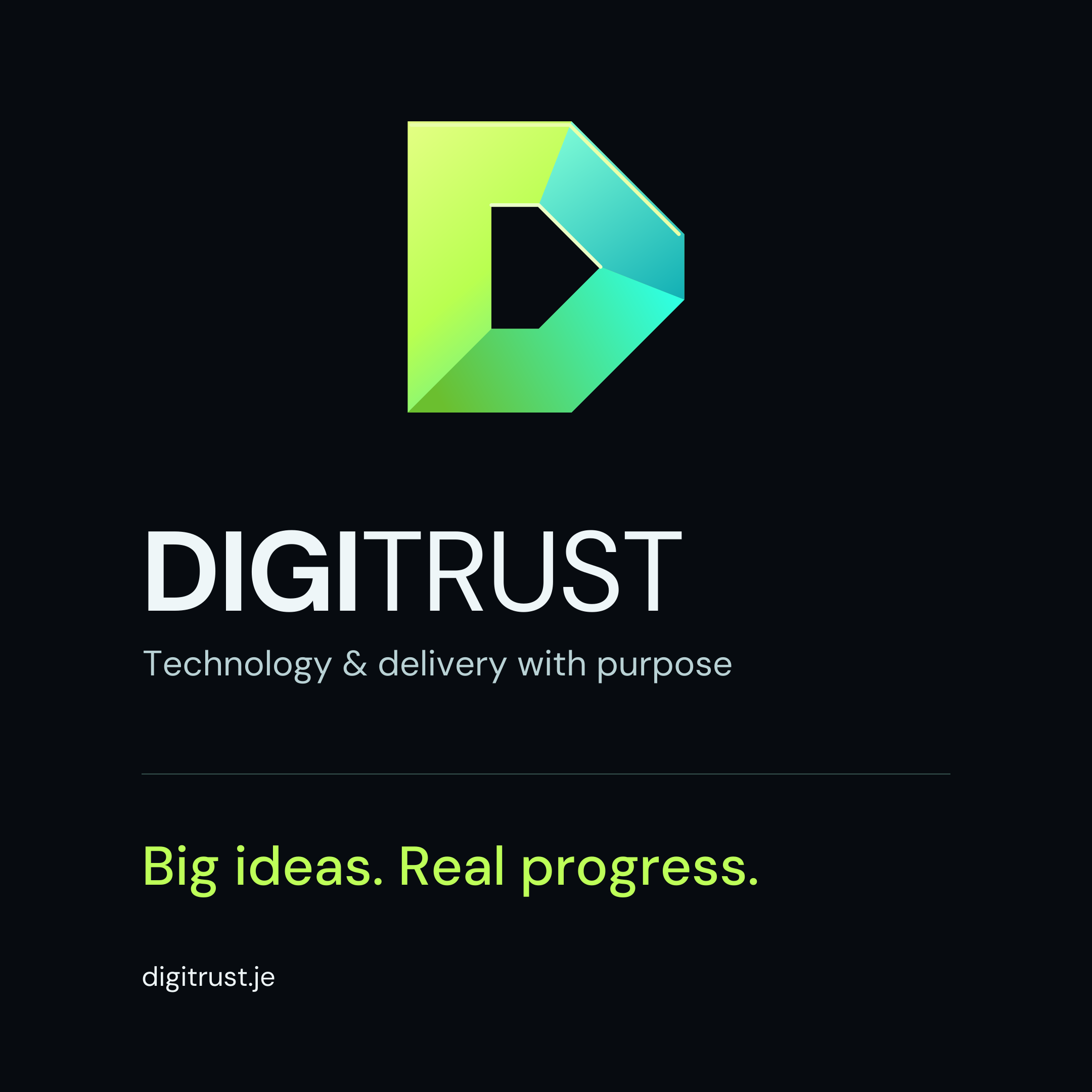


These layouts have intentional backgrounds. Use the standalone logos above when you need transparent overlays. Install DM Sans to create new wording in your design application.
05 / A NEW PERSPECTIVE
The brand in another dimension.
The original sculptural artwork from the website, supplied as PNGs at its native resolution.
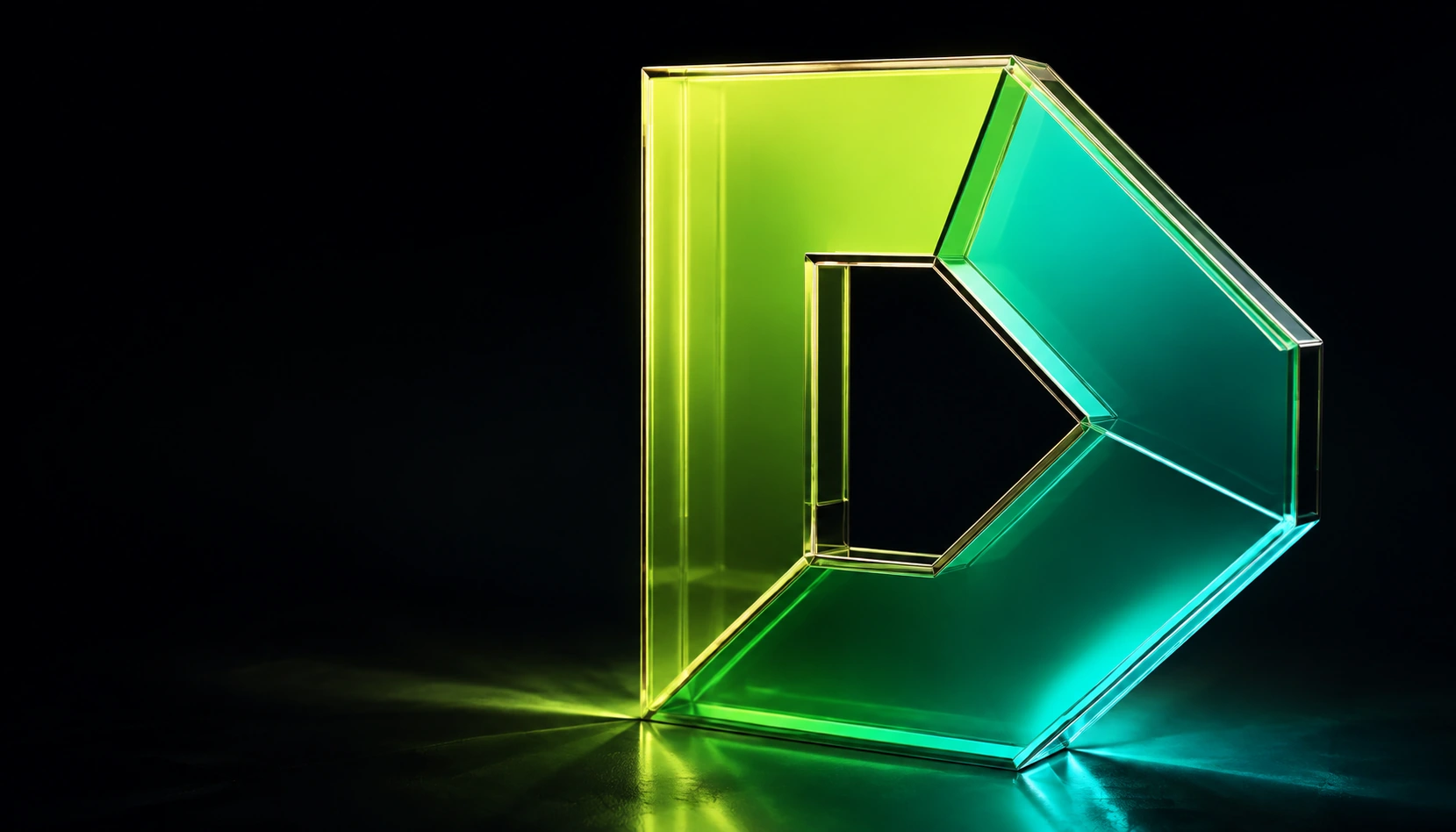
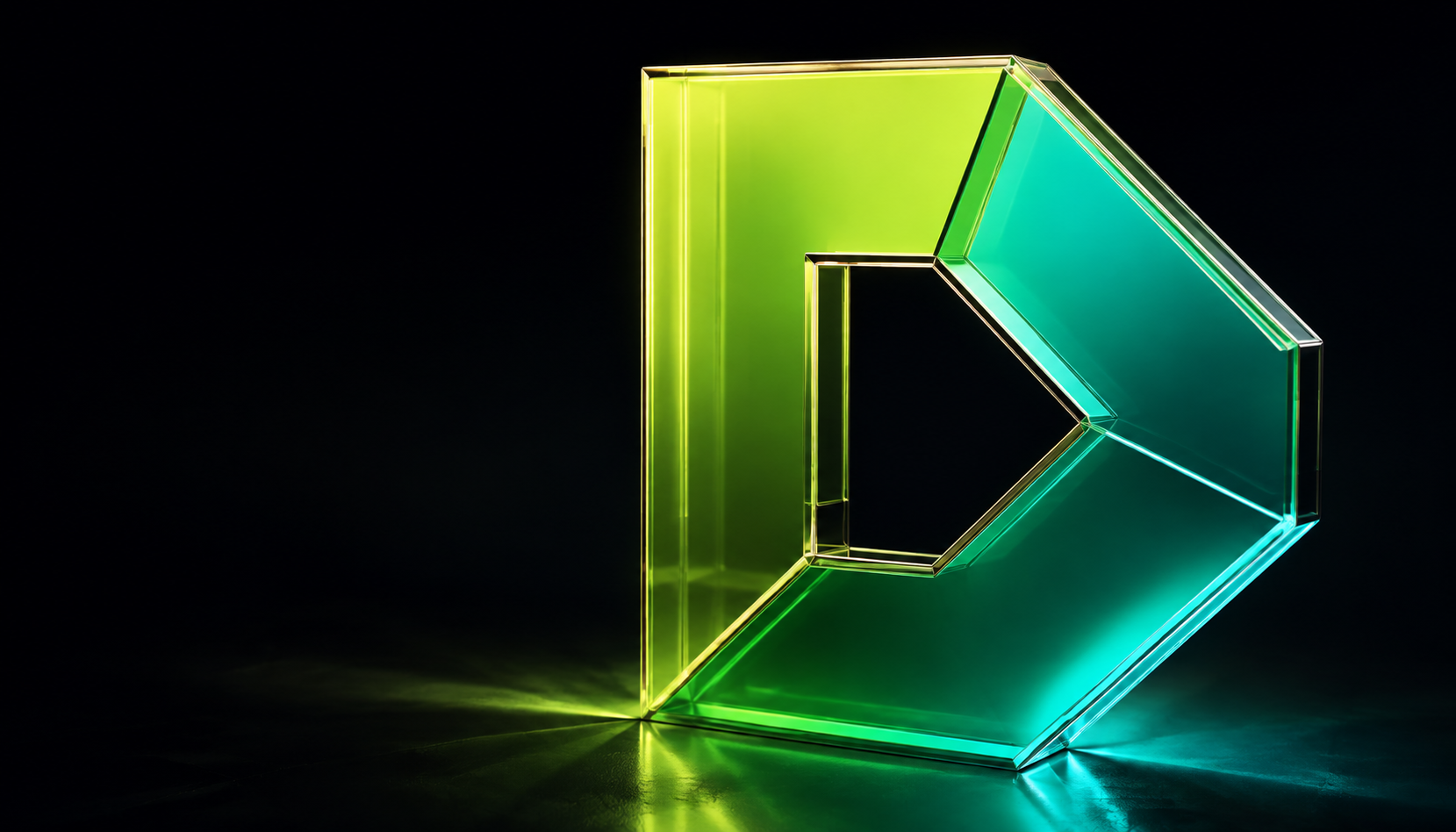
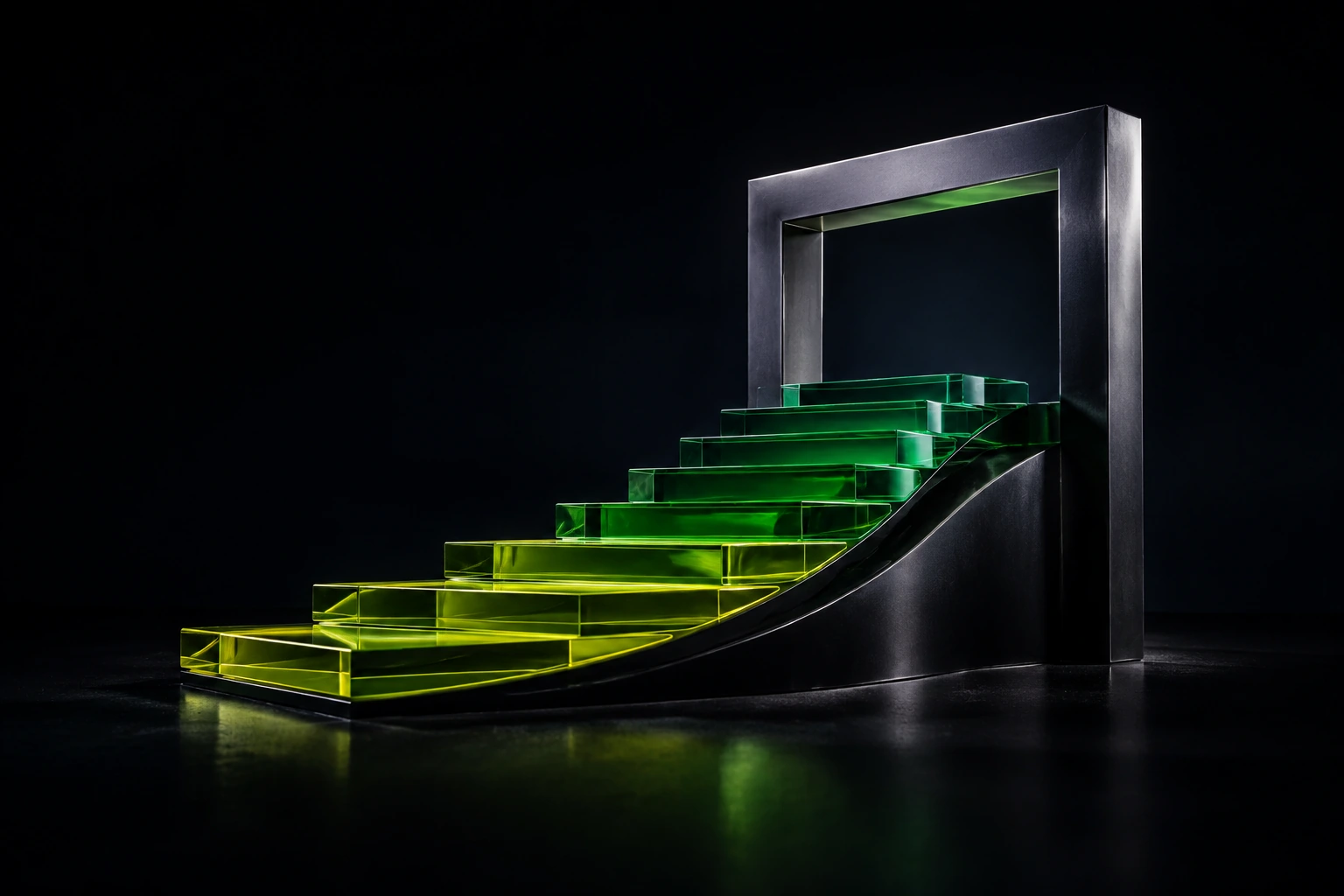
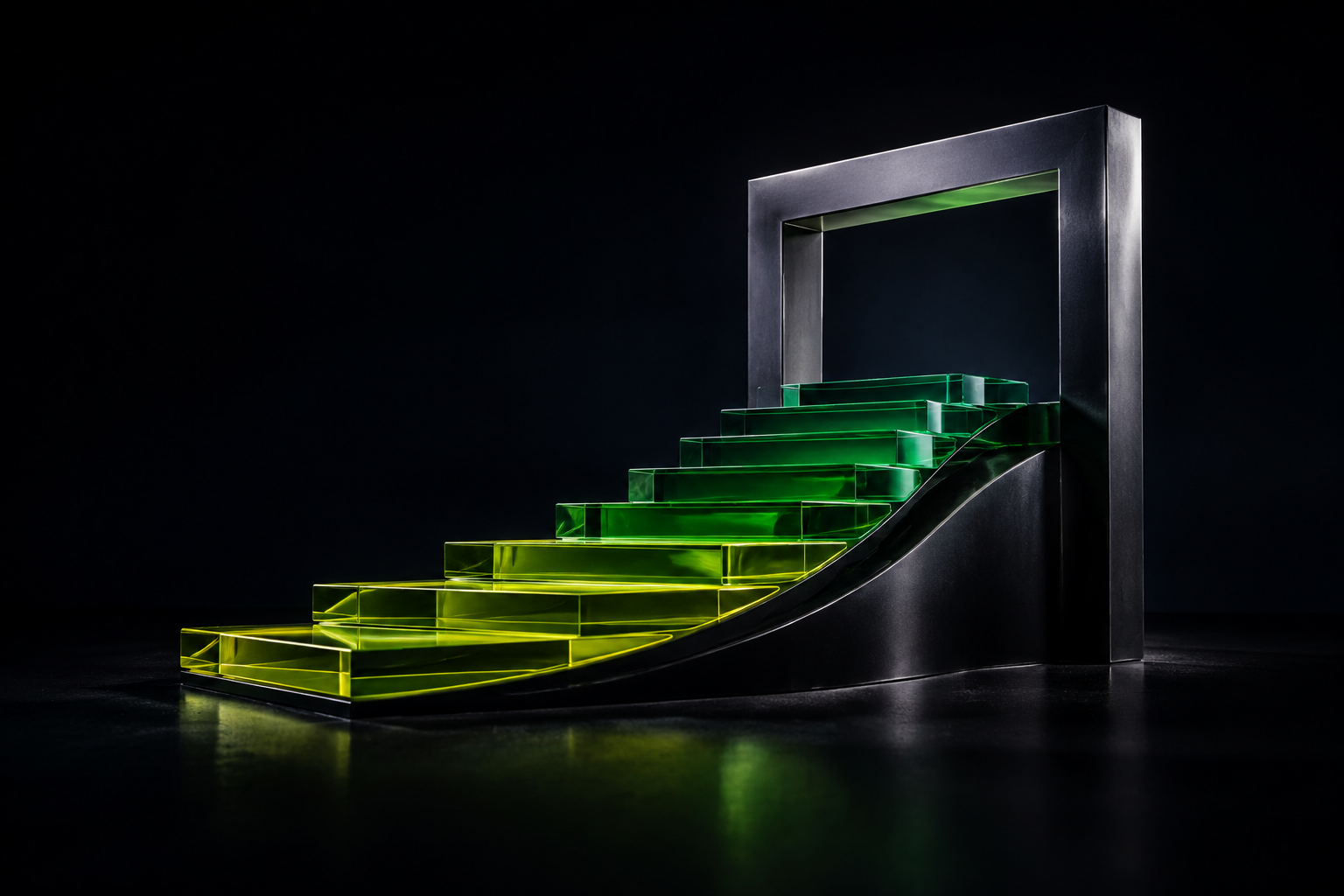
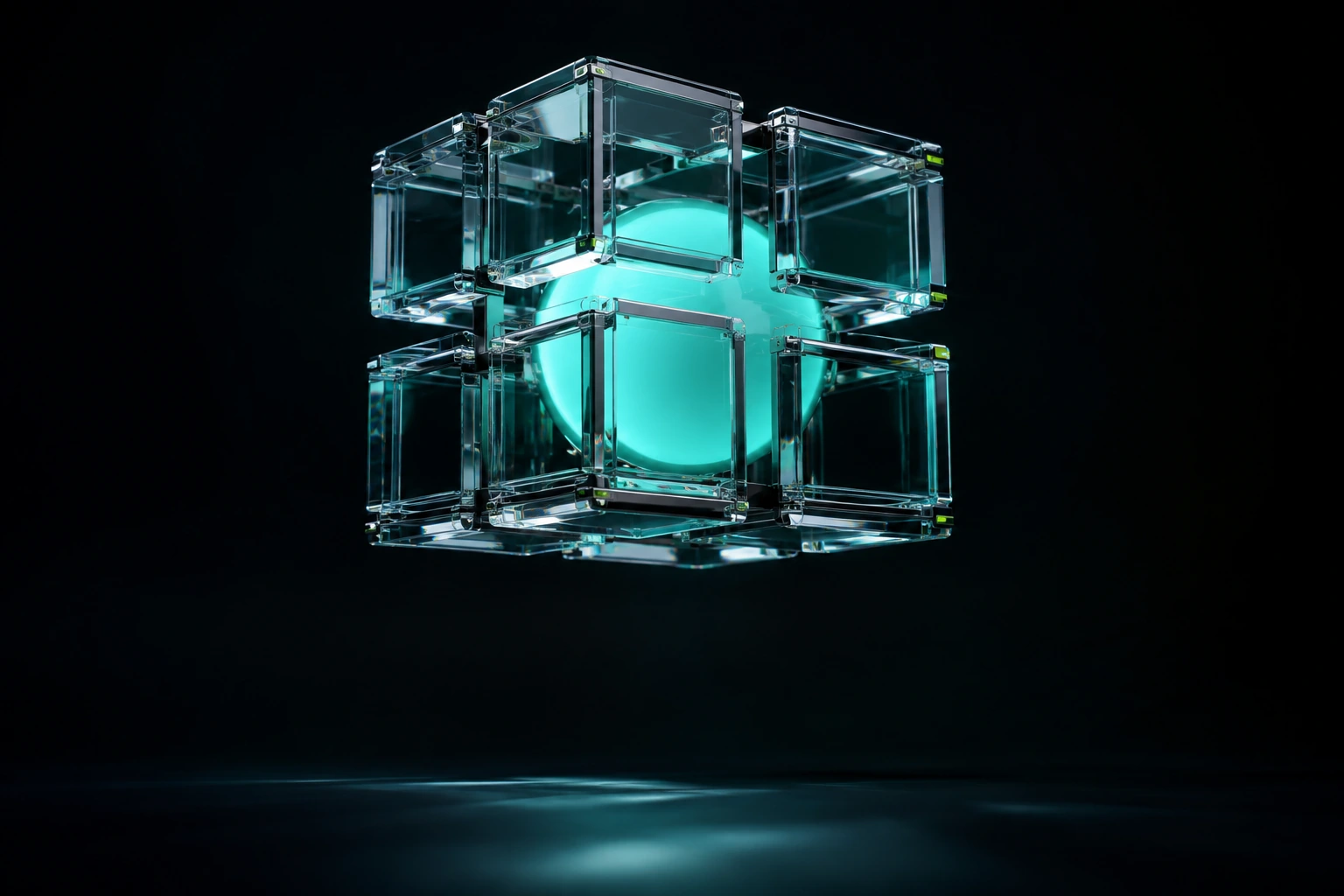

AI-generated brand illustrations. These are raster images; the logo masters above are vectors.
06 / A QUICK GUIDE
The right file for the job.
| Format | Best for | What you get |
|---|---|---|
| EPS | Print suppliers & vector design | CMYK vectors, outlined lettering, no background object. Flat-colour alternatives included. |
| SVG | Websites & scalable graphics | RGB vectors with outlined lettering. Transparent standalone logos at any size. |
| PNG | Slides, documents & social posts | High-resolution images. Standalone logos have transparent backgrounds. |
| ICO | Browser favicons | One icon file containing seven sizes, from 16 × 16 to 256 × 256 pixels. |
| TTF | Creating your own branded text | Install DM Sans. Four original font weights and the Open Font License are included. |
Transparent, without confusion.
Logo SVGs and PNGs have transparent backgrounds. EPS has no background object and no alpha-transparency effects. White logos are designed for dark backgrounds. About the EPS format
Give it room to breathe.
Keep the logo proportions and leave clear space around it. Use the D symbol at small sizes. For colour-critical print, agree a proof with your supplier: vivid screen colours can look different in CMYK.